
Click here to view this article in full screen.
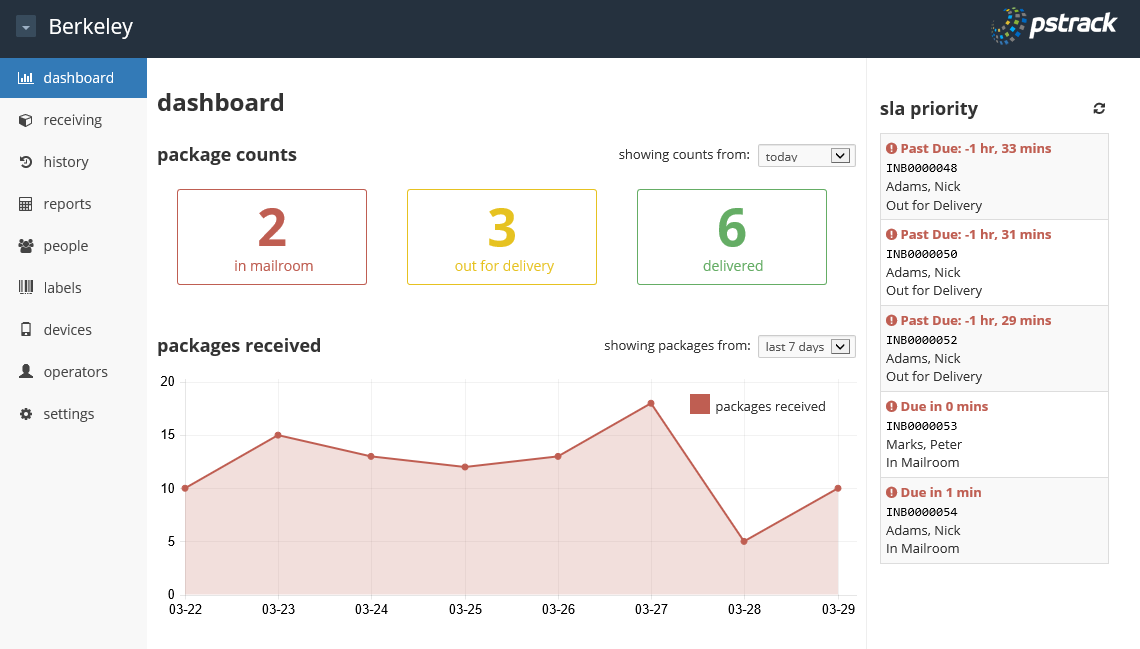
To view SLA priority packages:
- Open the PS|Track web application.
- From the left menu of any office page, click on dashboard to see the top ten sla priority listing of packages nearing their SLA expiration time.
- Click on any of the specific packages listed to display package details.
- Click on the auto-refresh button in the upper right hand corner for a continuous auto-refresh of the listing.
0 Comments