
Click here to view this article in full screen.
You can watch our video, and/or follow our step by step instructions below!
Click here to view video in full screen.
To create an account follow these steps:
1. Visit the Register a New Account page at https://login.pstrack.net/register
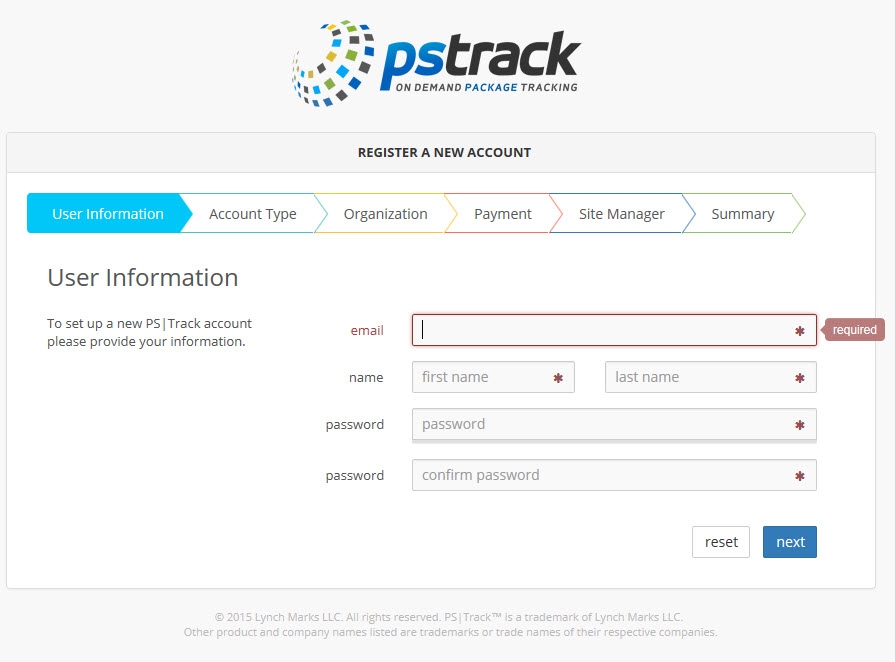
2. On the User Information page, provide the requested information. All fields on this page are required as indicated by the asterisk. Your email address and password will be your login credentials for PS|Track. When finished, click next to continue.
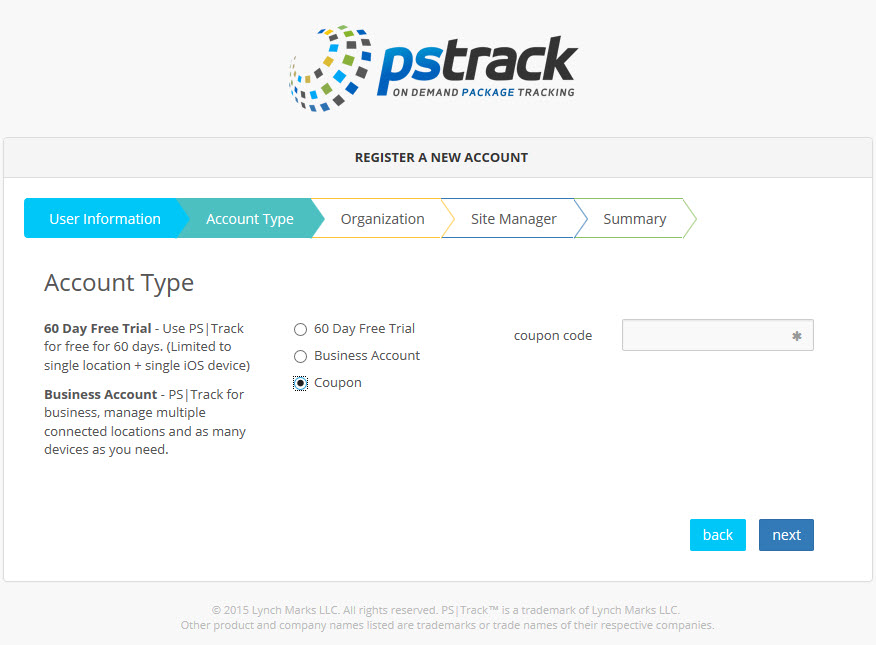
3. On Account Type page, select one of the 3 options:
- 60 Day Free Trial - limited to one location and one device
- Business Account - billed to a credit card on a monthly basis based on number of locations and devices
- Coupon - coupon code acquired from the pstrack team
After selecting the Account Type, click on next to continue.
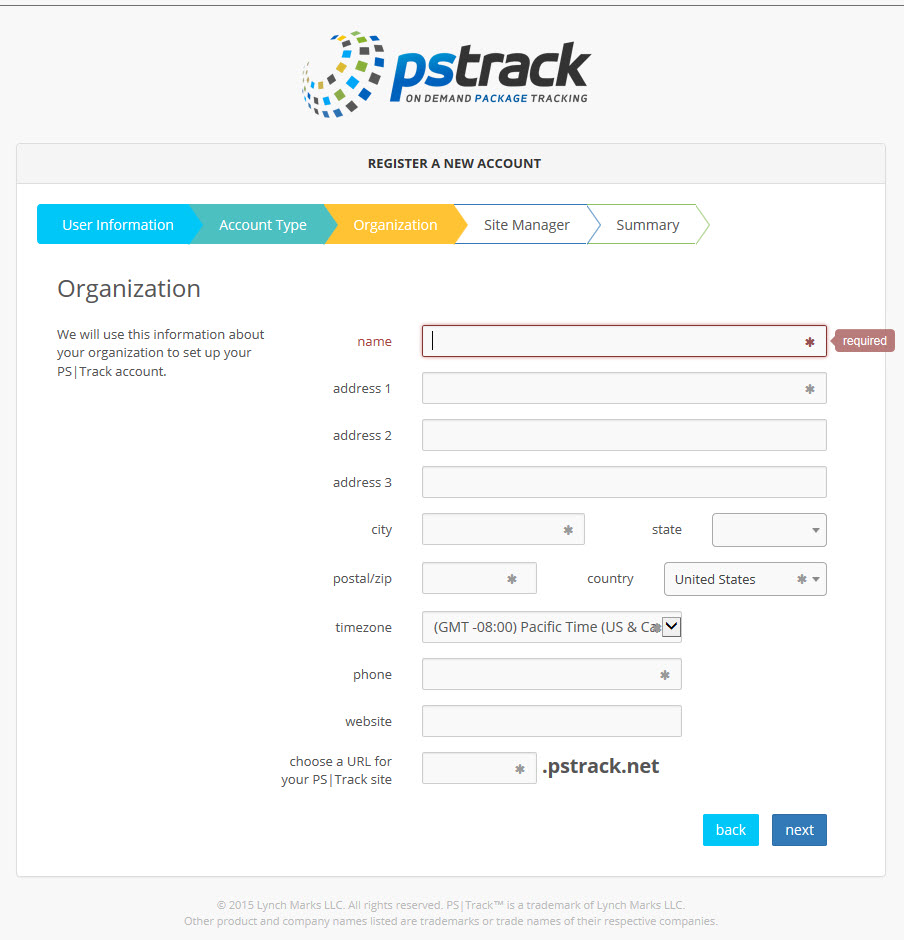
4. On the Organization page, provide the requested information noting the required fields with asterisks. Take care when choosing a URL for PS|Track site as this cannot be changed later. Press next to continue.
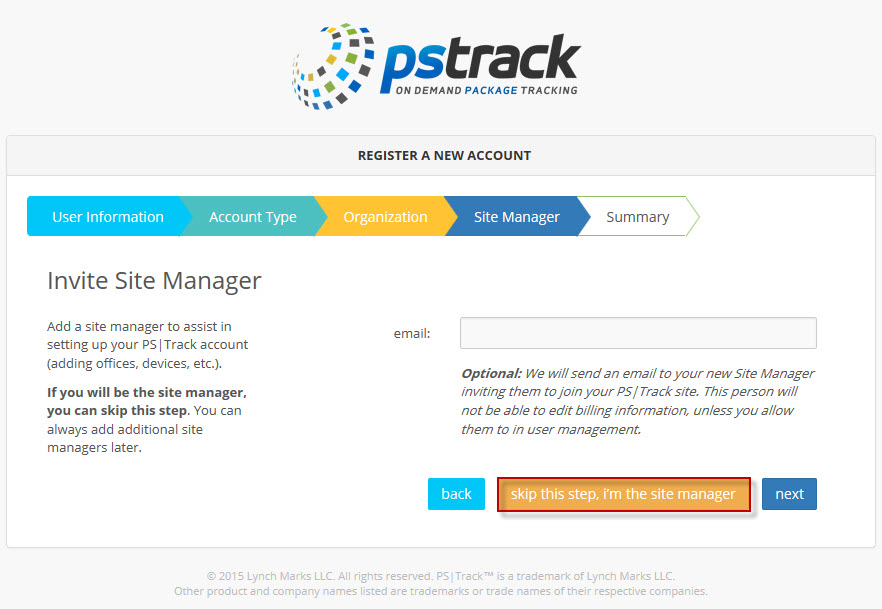
5. On the Site Manager tab, click on skip this step, i'm the site manager for now.
6. On the Summary page, review the information for accuracy. Click the back button if modifications are needed. Once you are satisfied with the information submitted, agree to the Terms of Service and click create account.
7. That's it! Time to celebrate!
0 Comments